
D-Day Beach Landing
Cinematic historical scene of soldiers moving through shallow surf on a smoky beach, muted wartime colors and realistic documentary detail.
Start creating for free with Nano Banana 2.1. Create and edit images with Google’s latest high-efficiency image model. Turn prompts and reference images into polished visuals with stronger prompt adherence, cleaner text, better subject consistency, and up to 4K output.
Quick start
See how Nano Banana 2.1 handles editorial layouts, product imagery, consistent subjects, marketing graphics, infographics, and wide-format scenes.
Cinematic historical scene of soldiers moving through shallow surf on a smoky beach, muted wartime colors and realistic documentary detail.
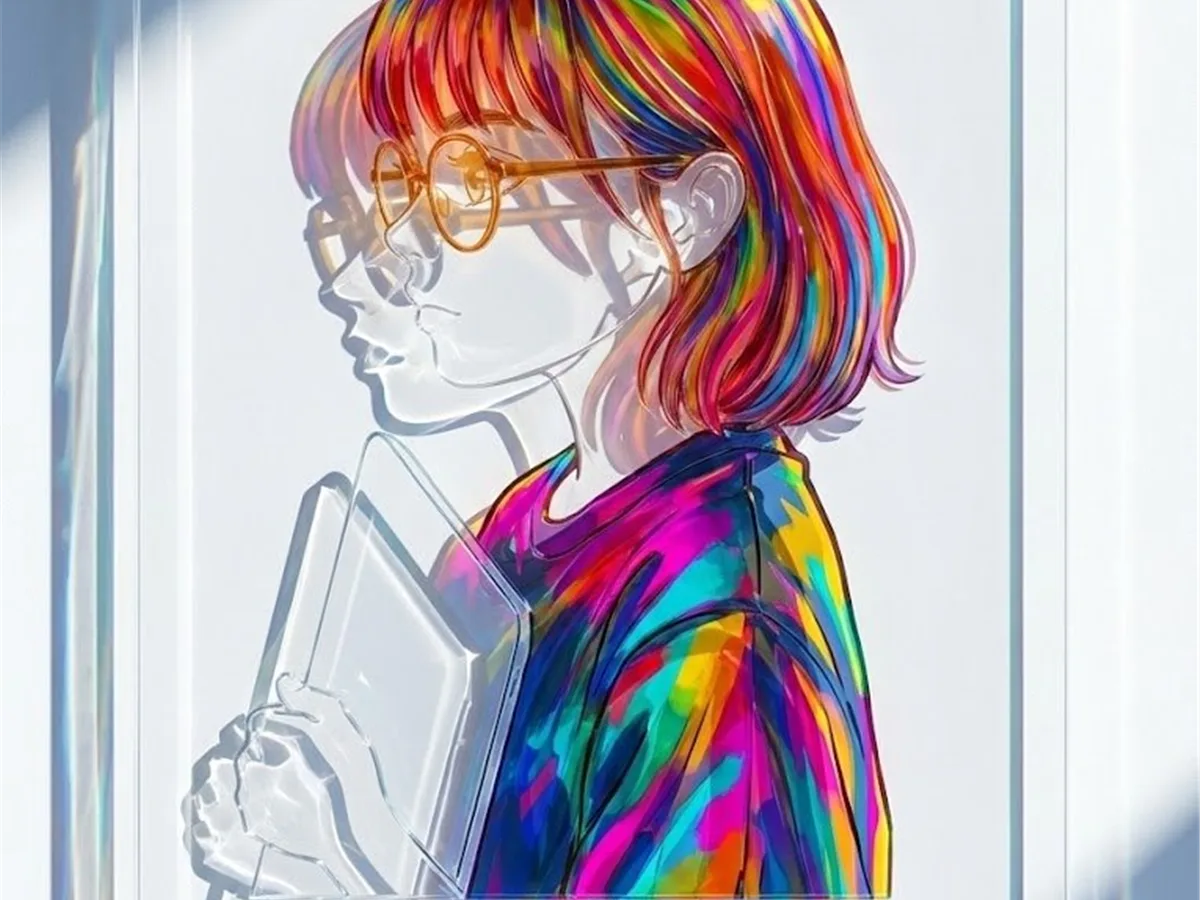
Vibrant illustrated side-profile portrait behind a glass panel, with multicolored hair, translucent highlights, and crisp gallery lighting.
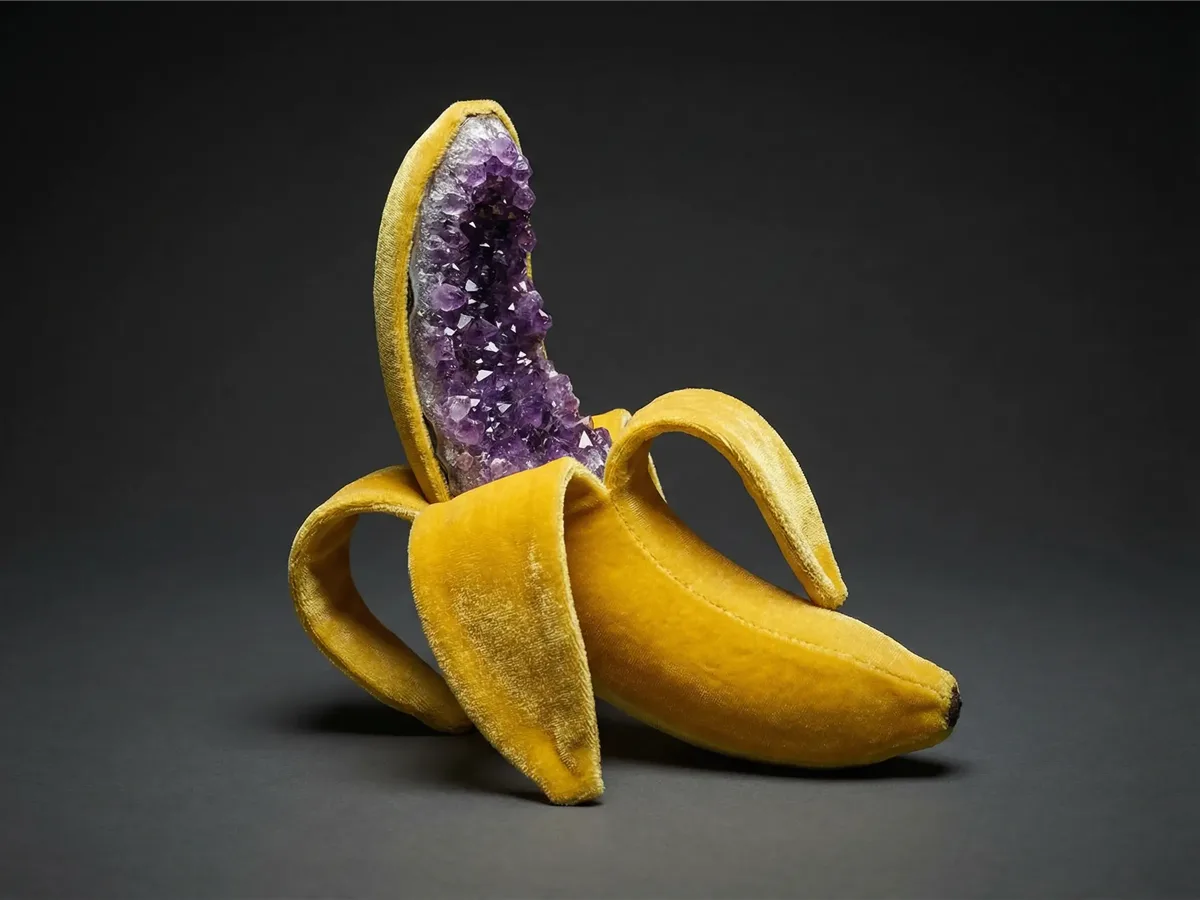
Surreal studio still life of a peeled golden banana filled with sparkling purple amethyst crystals on a dark charcoal background.
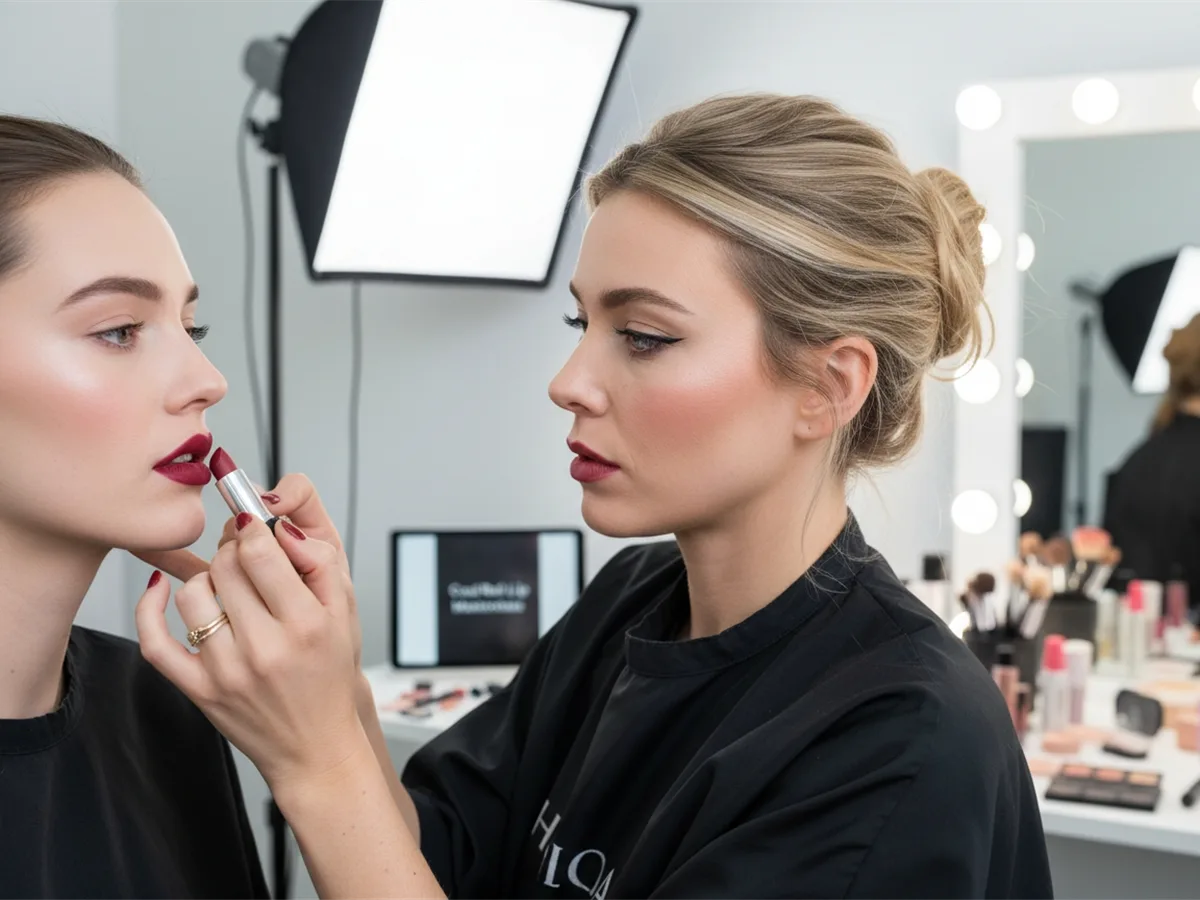
Beauty studio scene with a makeup artist applying red lipstick, bright vanity lights, soft focus, and editorial portrait photography.
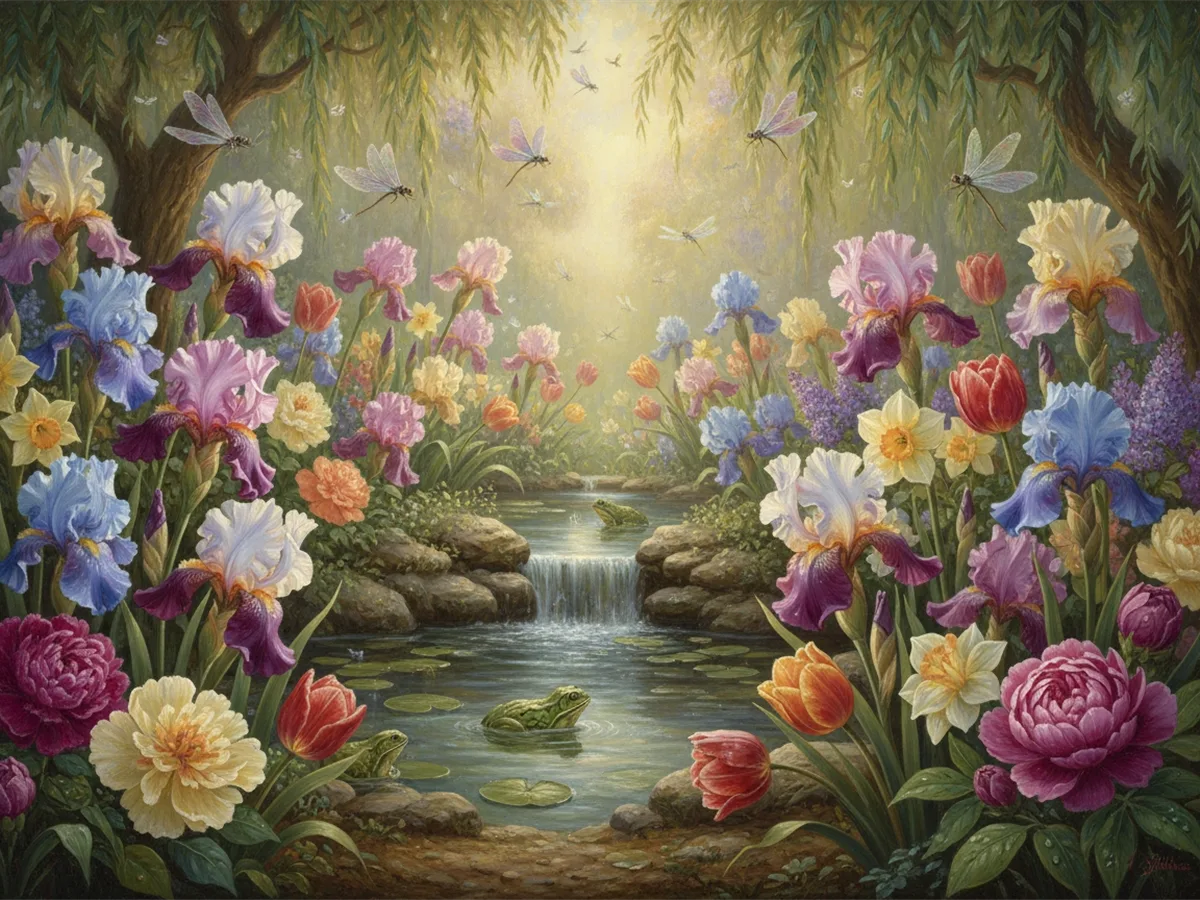
Dreamlike painted garden filled with irises and tulips, dragonflies, a small waterfall, and frogs beside a sunlit stream.
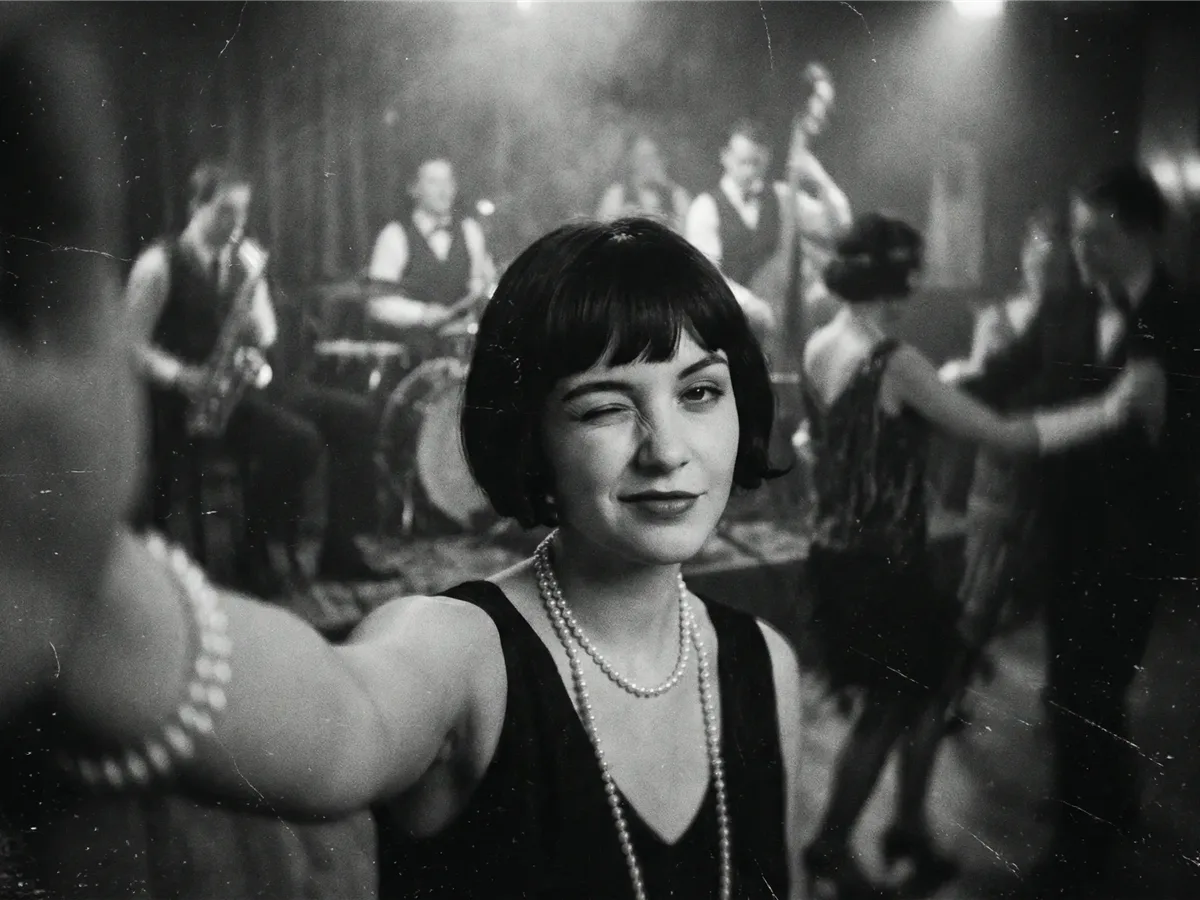
Black-and-white vintage portrait of a woman winking at a jazz club, with pearl necklaces, soft film grain, and blurred musicians behind her.
Nano Banana 2.1 is Google’s latest high-efficiency image generation and conversational editing model, released on October 6, 2026. It is an update to Nano Banana 2, also known as Gemini 3.1 Flash Image, and is built on Gemini 3.6 Flash.
Google designed Nano Banana 2.1 to keep the speed and cost efficiency of a Flash-class model while improving the areas that matter most in real creative work: visual quality, prompt adherence, text rendering, multi-turn character consistency, and precise image editing.
The model can generate new images from text or work from reference images to edit, combine, or restyle existing visuals. It supports 1K, 2K, and 4K output and can use up to 14 reference images in a single workflow.
Nano Banana 2.1 is not just a new model name. Google specifically upgraded image quality, layout accuracy, consistency, and editing performance over Nano Banana 2.
Generate more natural-looking, polished images across 1K, 2K, and 4K resolutions, with stronger detail and visual coherence.
Complex prompts with multiple visual requirements are followed more reliably, giving you better control over composition, subjects, and requested details.
Improved text rendering and infographic layout accuracy make Nano Banana 2.1 better suited to posters, marketing graphics, diagrams, labels, and other text-heavy visuals.
Keep characters, products, and visual identities more stable across edits and multi-step creative workflows.
Combine multiple references in one request. The underlying model supports consistency for up to four characters and high-fidelity handling of up to ten objects.
Create quick drafts at 1K or move to 2K and 4K for detailed artwork, marketing assets, product visuals, and larger-format designs.
Nano Banana 2.1 also improves wide and panoramic generation, including extreme 1:4, 4:1, 1:8, and 8:1 aspect ratios at higher resolutions.
Start with a natural-language prompt and describe the finished image you want. You can define the subject, composition, camera angle, lighting, materials, colors, style, and even the exact words that should appear inside the image.
Nano Banana 2.1 is especially useful when your prompt contains several constraints at once. Instead of relying on a short style keyword, describe the result like a creative brief: what the image is for, how the layout should be structured, and which details matter most.
Prompt tip
For posters, packaging, and infographics, put required text inside quotation marks and describe where it should appear.
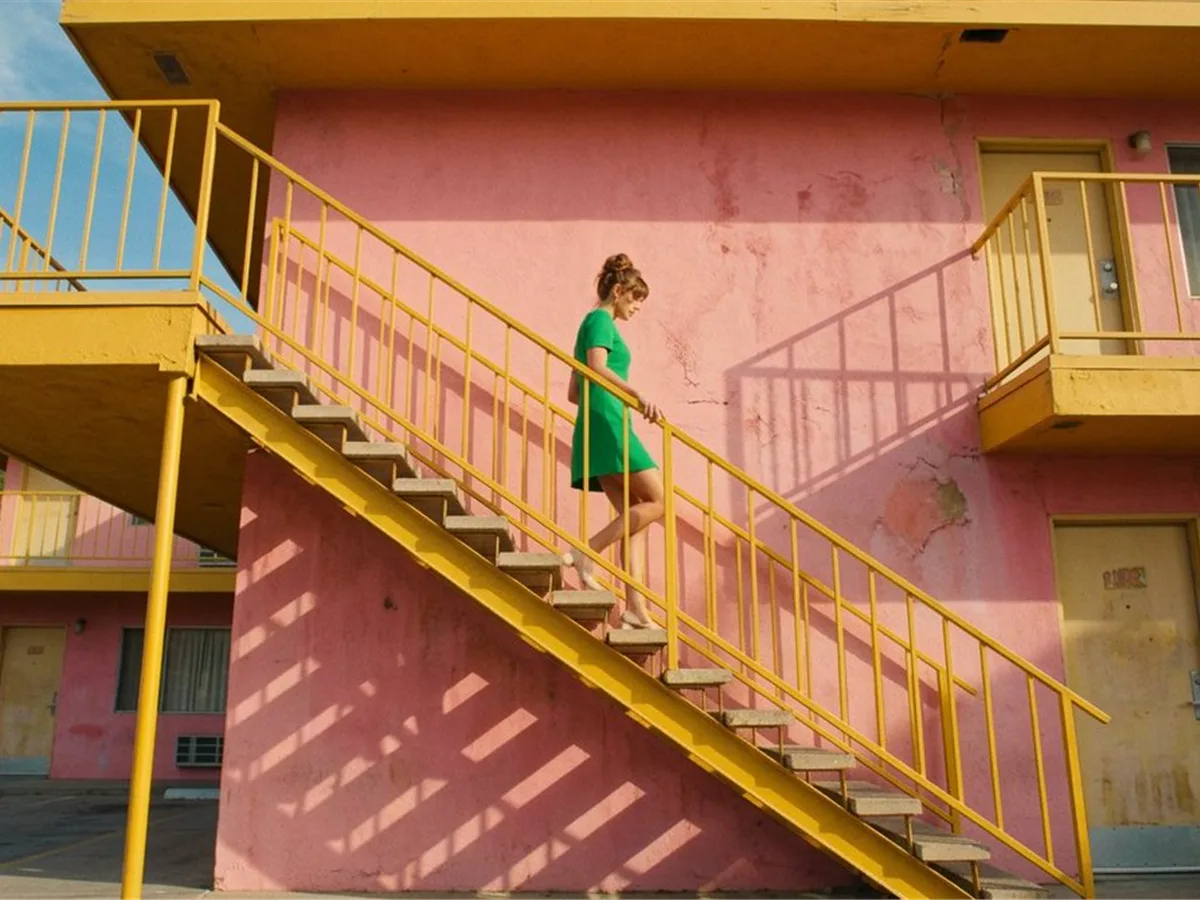
Upload an existing image and describe what you want to change. Nano Banana 2.1 can transform backgrounds, materials, lighting, colors, environments, and visual styles while preserving important parts of the original image.
For more controlled edits, be explicit about both sides of the instruction: say what should change and what should stay the same. Reference images can also be combined to bring a person, product, object, style, or environment into a new composition.
“Place the same handmade doll in a cozy sewing studio. Preserve its blue-and-yellow hat, face, earrings, and brown outfit while adding fabric, sketches, scissors, and a sewing machine around it.”
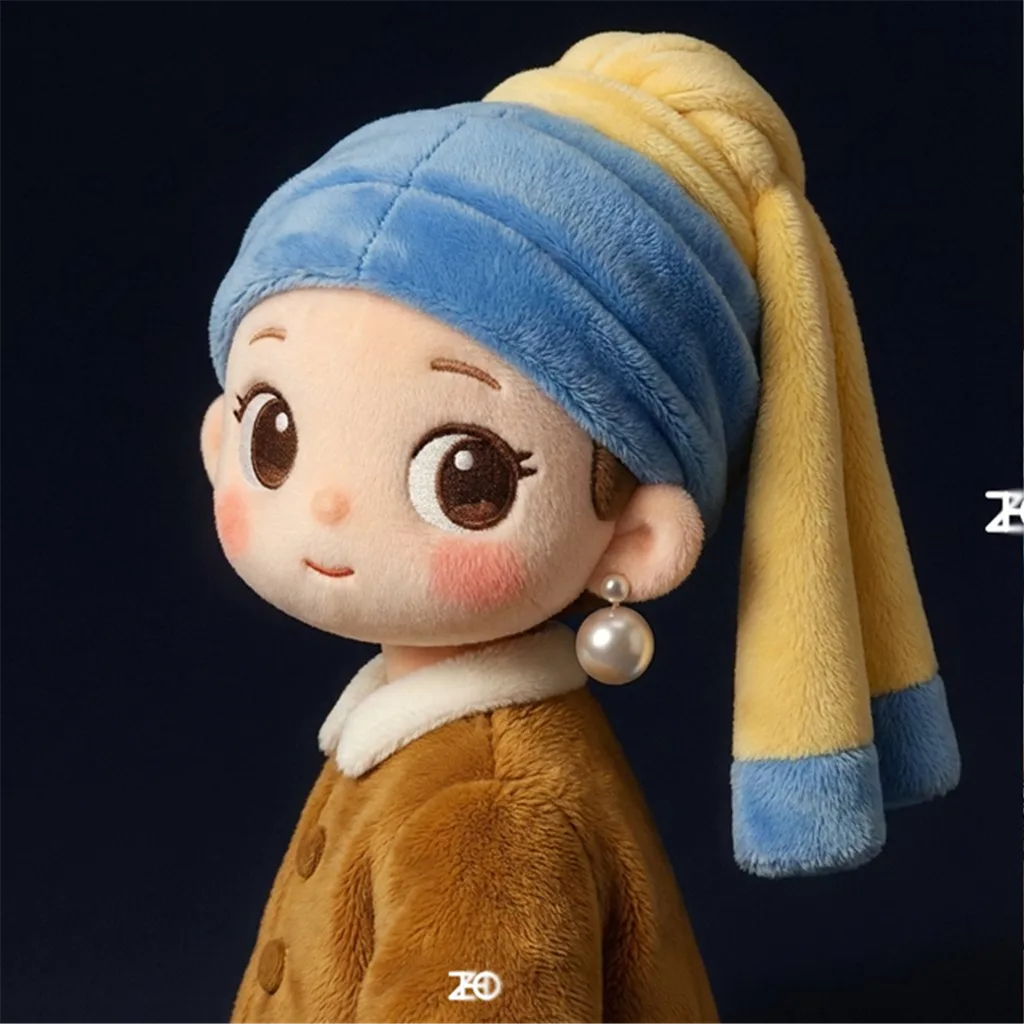
Before
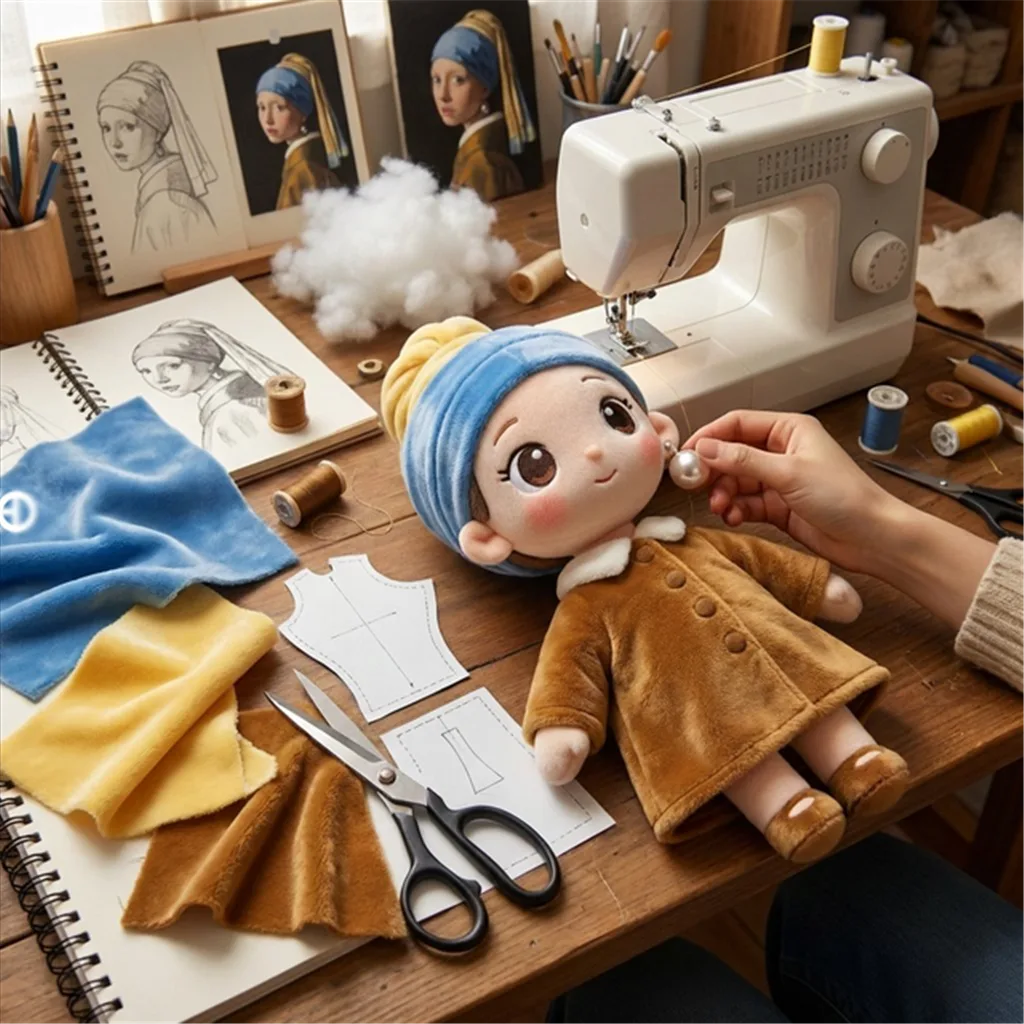
After
From everyday image generation to structured design work, Nano Banana 2.1 is built for workflows where both creativity and control matter.
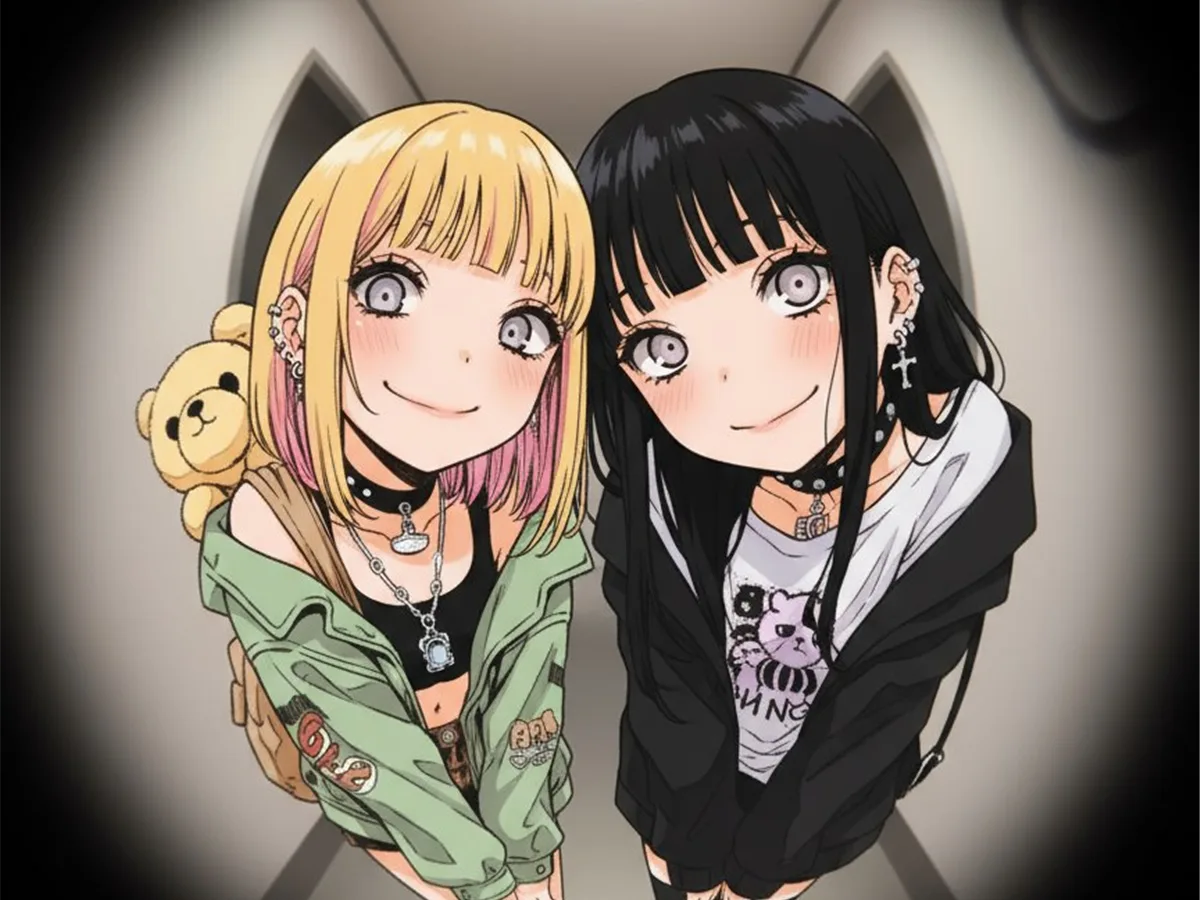
Create expressive anime characters with coordinated styling, detailed outfits, and cinematic perspective.
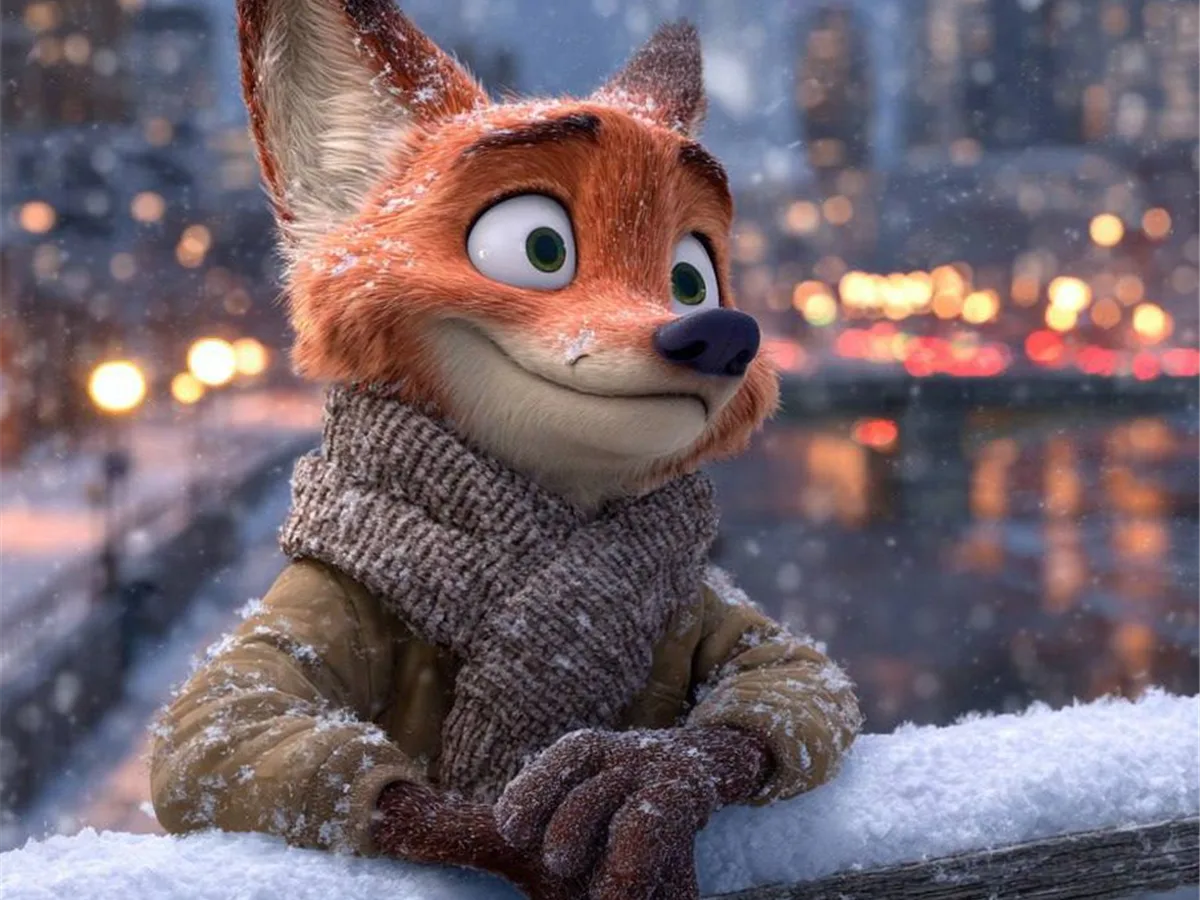
Build charming animated characters in atmospheric seasonal scenes with polished lighting and depth.
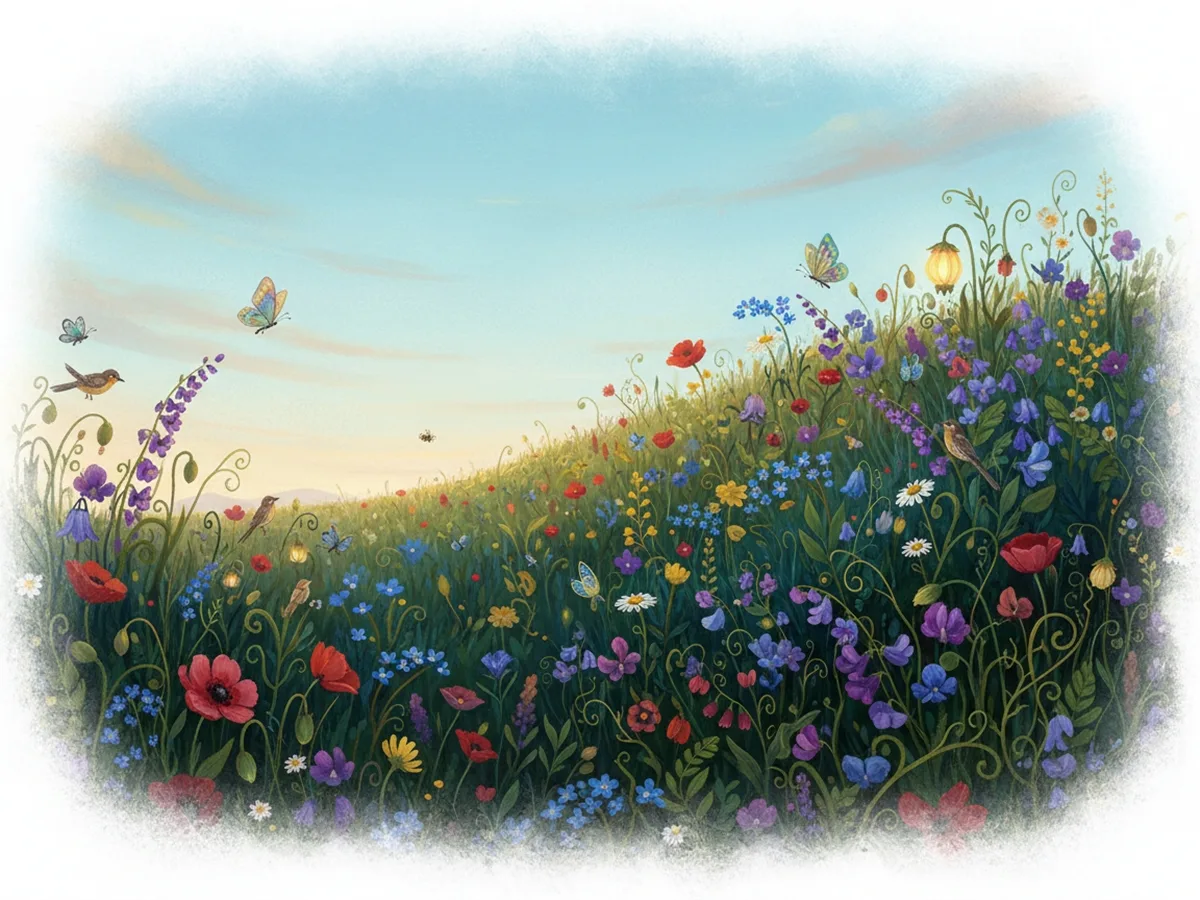
Turn simple ideas into soft illustrated landscapes filled with flowers, wildlife, and storybook detail.
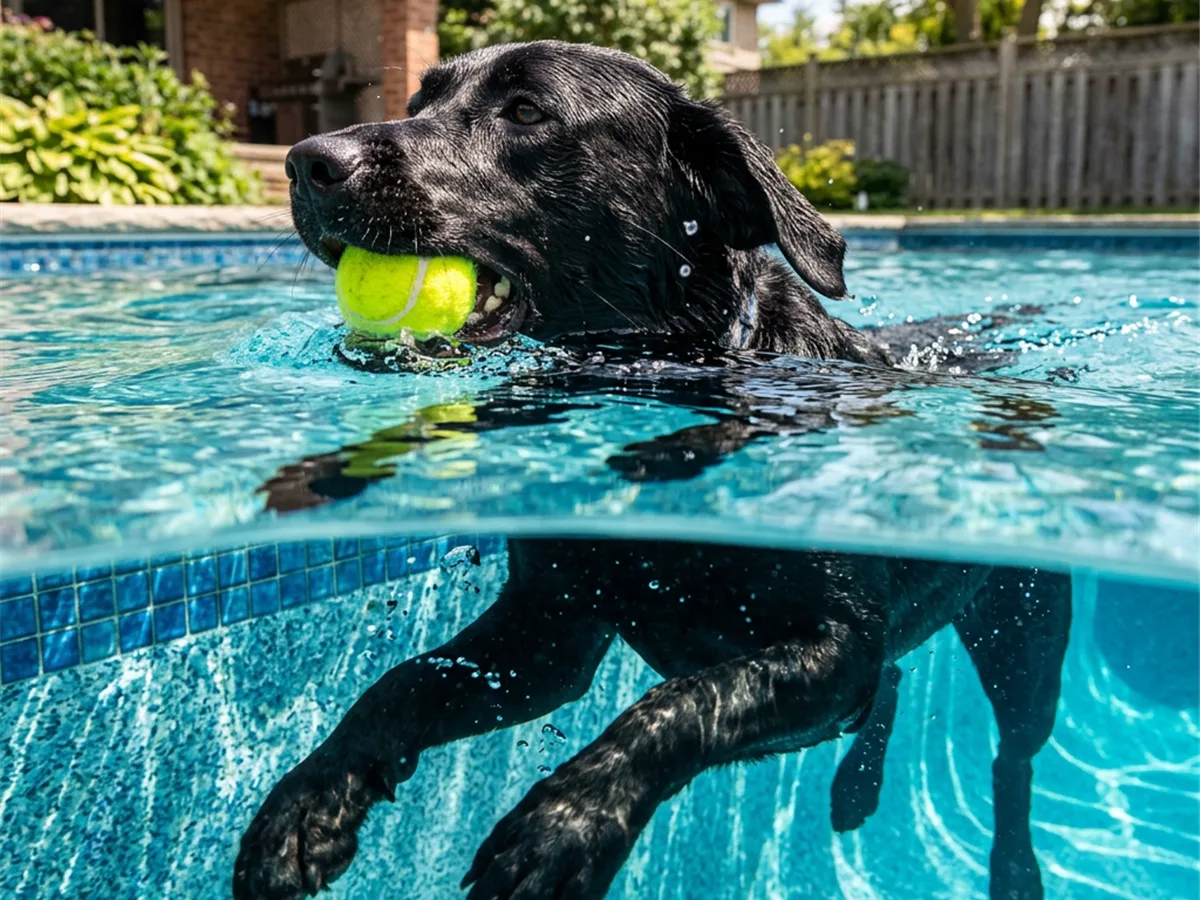
Capture energetic moments with realistic motion, water detail, and creative split-level composition.
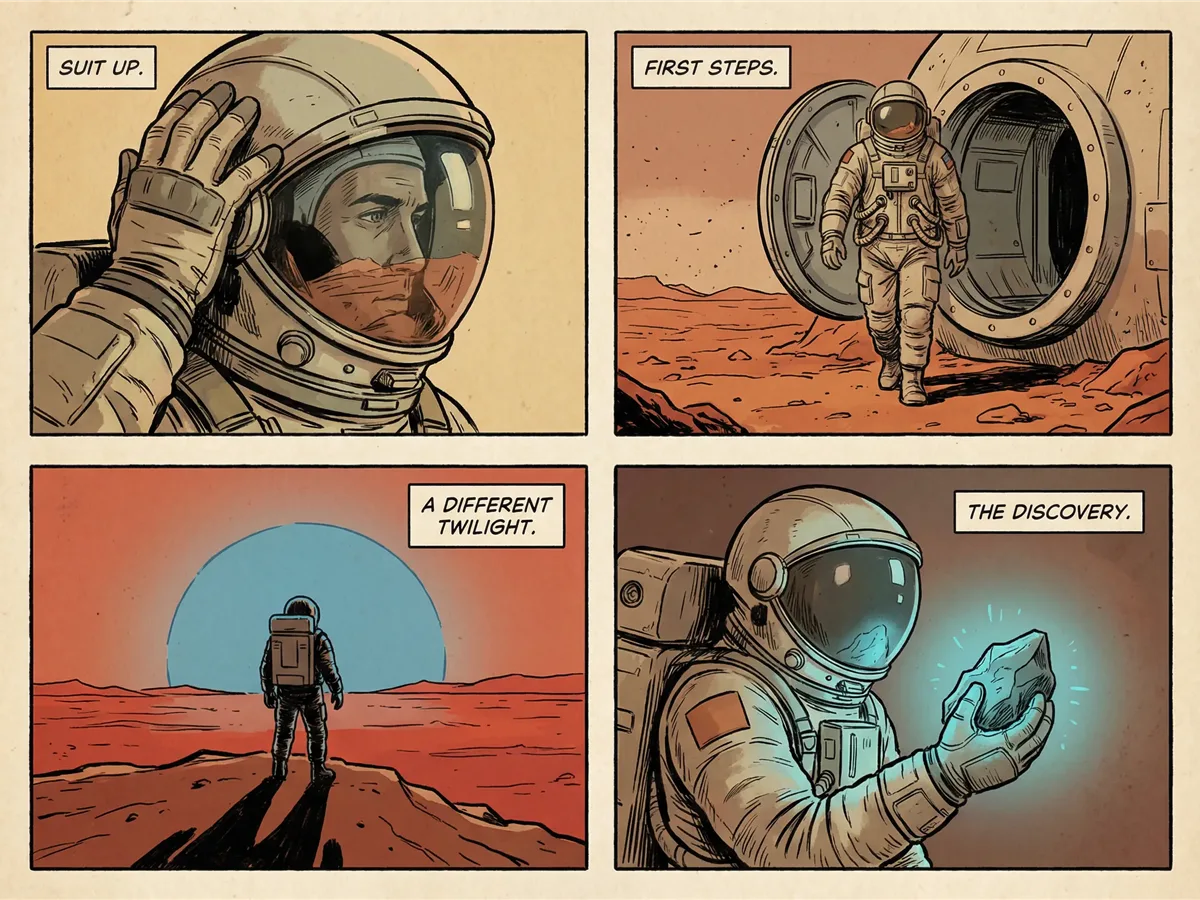
Create multi-panel comic scenes with consistent characters, readable captions, and a unified visual style.
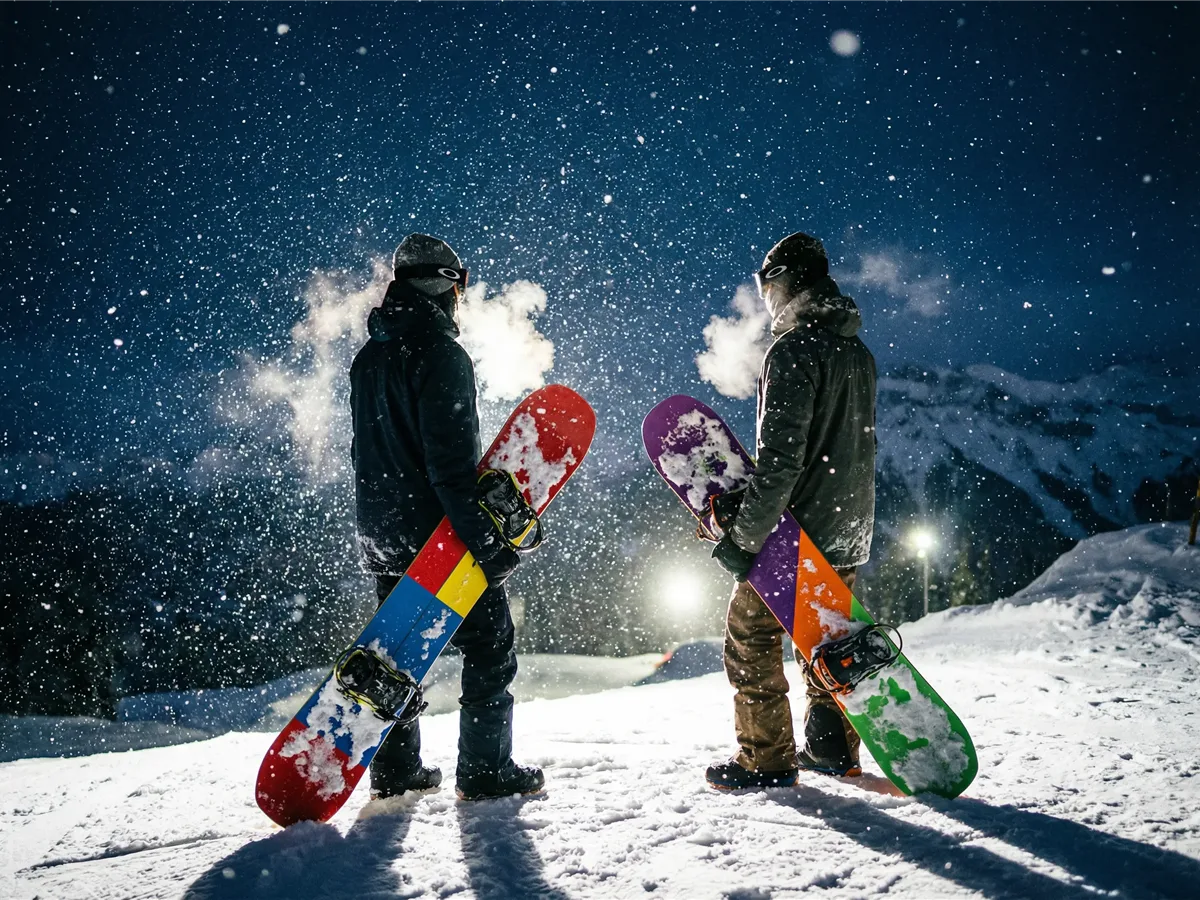
Generate dramatic outdoor sports imagery with falling snow, vivid equipment, and cinematic night lighting.
Describe the image you want to create. For editing or consistency workflows, upload reference images and explain the role of each one.
Select the aspect ratio and resolution that fit your project. Nano Banana 2.1 supports 1K, 2K, and 4K image generation.
Generate your image, review the result, then refine your prompt or references when you want to adjust specific details.
Nano Banana 2.1 is the official successor to Nano Banana 2. Google recommends Nano Banana 2.1 for new projects and is retiring the older Gemini 3.1 Flash Image API model.
| Feature | Nano Banana 2.1 | Nano Banana 2 |
|---|---|---|
| Release | October 6, 2026 | May 28, 2026 |
| API model | gemini-nano-banana-2.1 | gemini-3.1-flash-image |
| Output | 1K / 2K / 4K | 1K / 2K / 4K |
| Reference images | Up to 14 | Up to 14 |
| Visual quality | Improved | Previous generation |
| Text & infographic layouts | Improved rendering and layout accuracy | Supported |
| Character consistency | Improved multi-turn consistency | Supported |
| Wide panoramic generation | Improved at 2K and 4K | Previous implementation |
| Google recommendation | Recommended for new projects | Migration to 2.1 recommended |
Google has announced that the Gemini API model behind Nano Banana 2, gemini-3.1-flash-image, is scheduled to shut down on October 29, 2026, with Nano Banana 2.1 as its recommended replacement.
Nano Banana 2.1 is Google’s latest high-efficiency AI image generation and conversational editing model. It updates Nano Banana 2 with better visual quality, prompt adherence, text rendering, subject consistency, and image editing.
Google released Nano Banana 2.1 on October 6, 2026. The official Gemini API model ID is gemini-nano-banana-2.1.
The official Gemini API model ID is gemini-nano-banana-2.1.
Yes. Nano Banana 2.1 supports 1K, 2K, and 4K output resolutions. The best choice depends on whether you are creating a quick draft or a higher-resolution final image.
The model supports up to 14 reference images in one workflow. Google documents character consistency for up to four characters and high-fidelity handling for up to ten objects.
Yes. Nano Banana 2.1 supports conversational image editing. You can upload images and describe changes such as replacing a background, changing materials or colors, adjusting lighting, restyling a scene, or combining multiple references.
Nano Banana 2.1 is the newer version and Google reports significant improvements in visual quality, prompt adherence, multi-turn character consistency, text rendering, infographic layouts, and wide-format generation.
No. Nano-Banana2-1.com is an independent website and is not affiliated with, endorsed by, or sponsored by Google.
Bring your idea to life with Nano Banana 2.1. Start from text or a reference image and create something worth sharing.
Nano-Banana2-1.com is an independent website and is not affiliated with, endorsed by, or sponsored by Google. Nano Banana and Gemini are trademarks of Google LLC. Model availability and features may change over time.